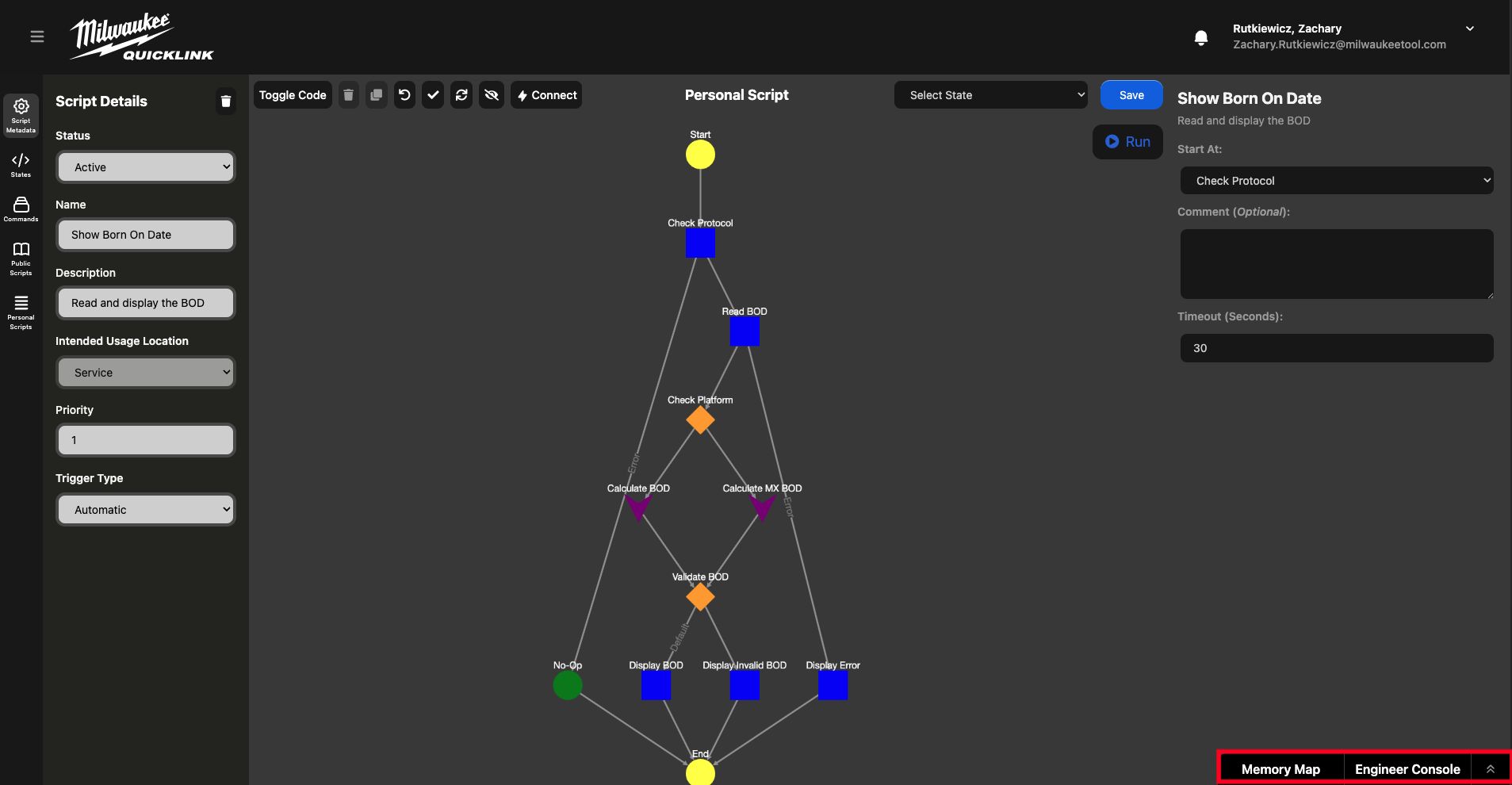
Bottom Tabs
These tabs allow useful information to be accessible but not in the way all of the time. Currently the options are Memory Map and Engineer Console.
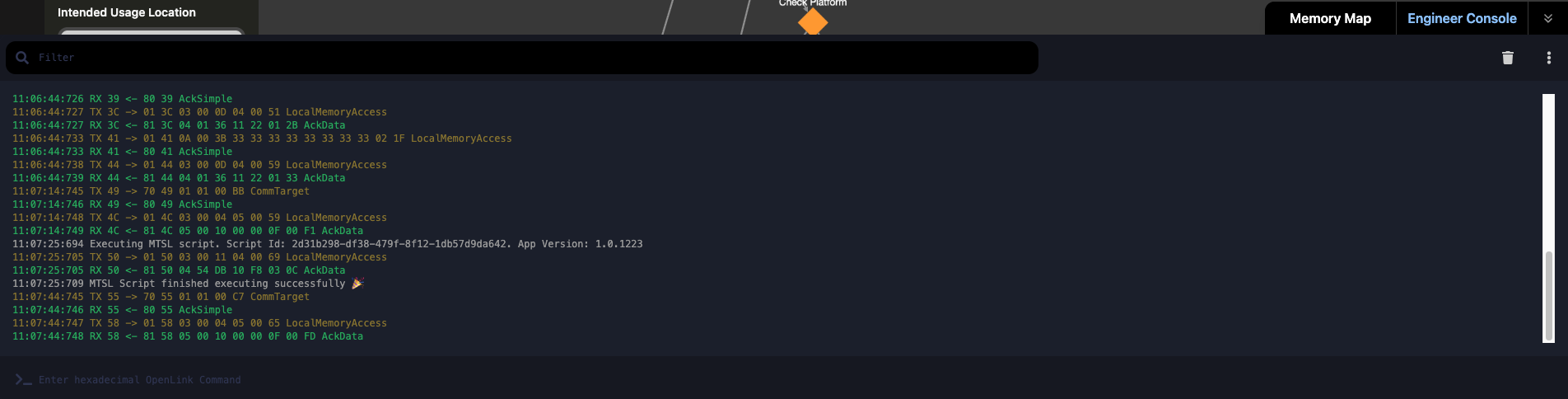
Engineer Console
The engineer console allows the observation of packets to and from the tool connected. This is very useful for debugging new scripts or when servicing tools. The console also allows raw hexadecimal OpenLink commands to be sent to the connected tool as well.
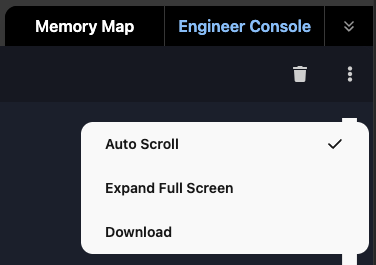
The trash icon clears the window and the vertical ellipsis menu contains additional options as well:
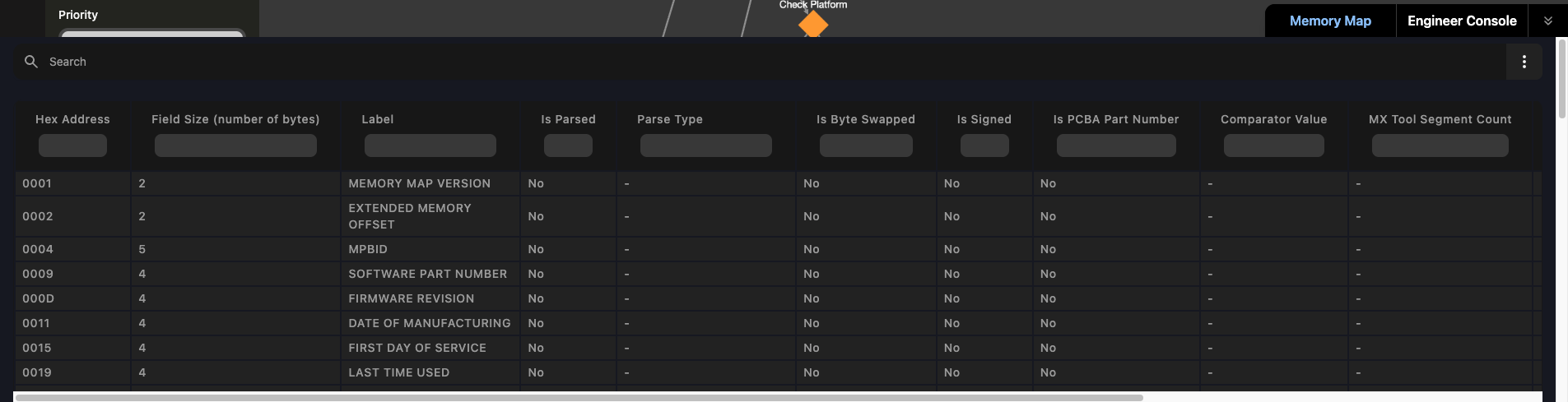
Memory map
This option allows the viewing of a current product ID's memory map. When first opened a prompt is displayed requesting the product ID of the memory map you are requesting.
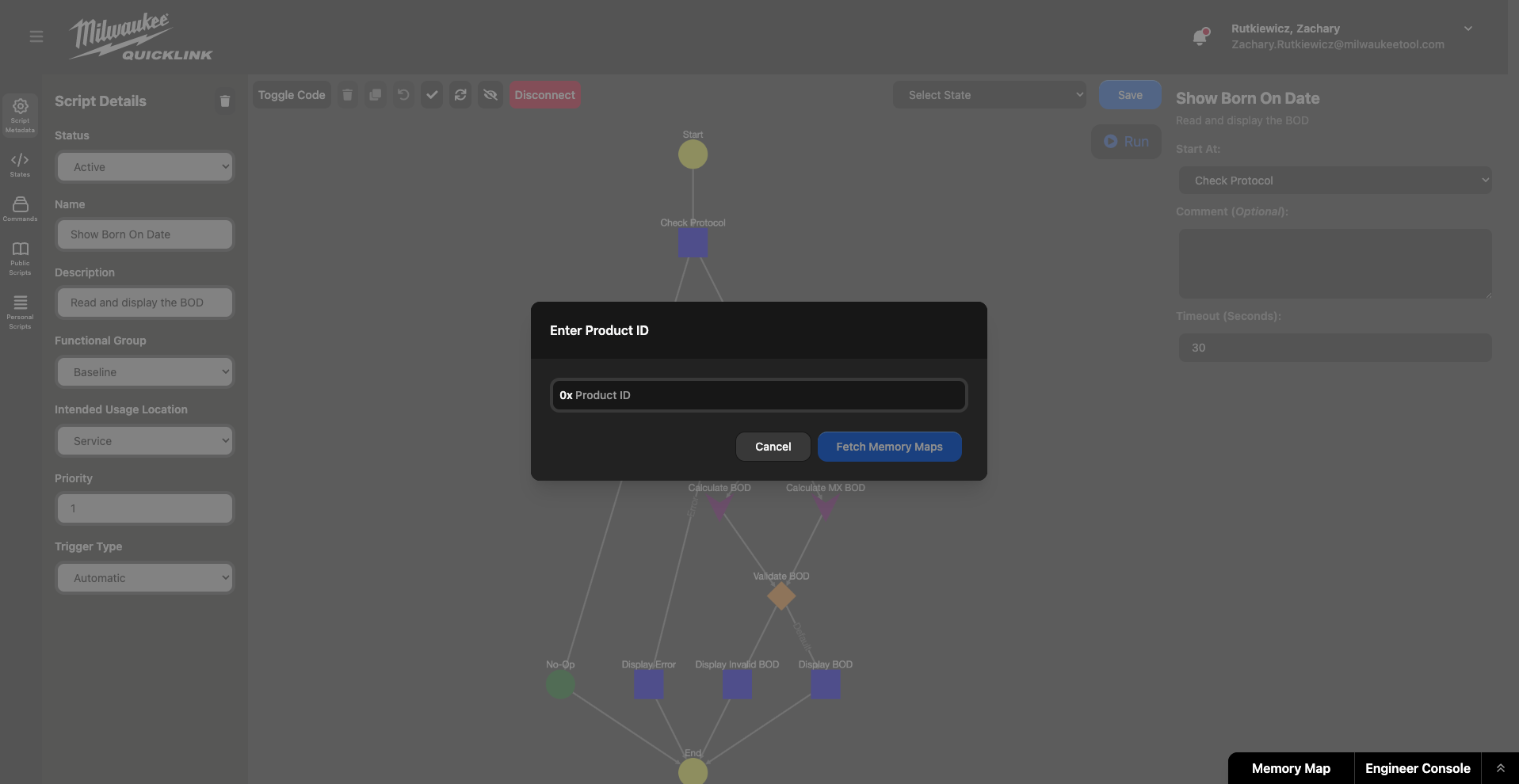
If coming from a product specific script, the ID will be prepopulated but a memory map version will still need to be selected to make sure the information is up to date with what is expected.
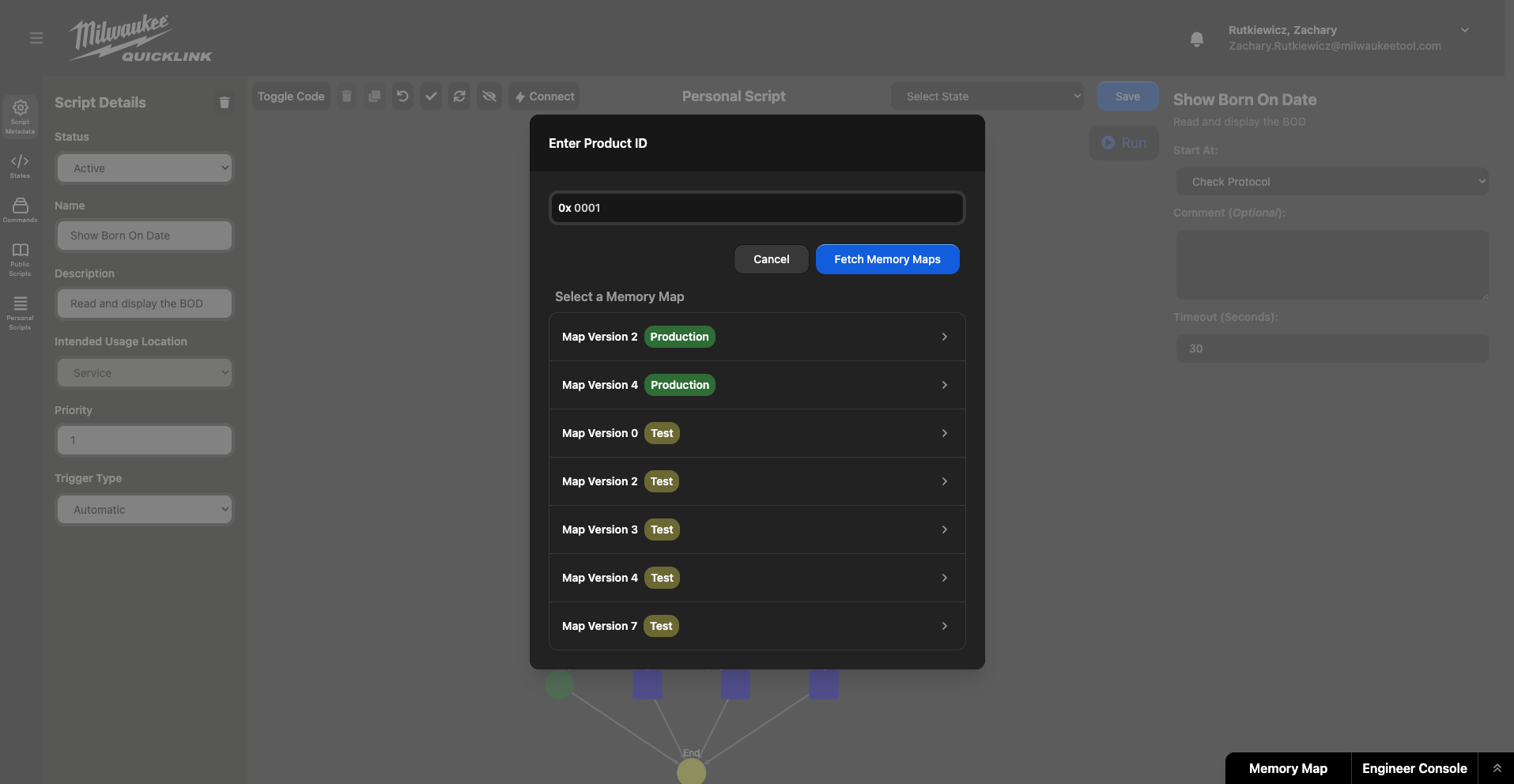
After a product ID and memory map version are selected, the associated memory map is displayed in the bottom bar with each field populated. When a line is selected, a new state is created for either writing to or reading from that memory address. All that is needed is whether the field can be written to (default is read only) and a name for the variable.